Run your agents on the hardware you already wrote off
Agents run on old, fully managed machines. Per machine the electricity costs about as much as a coffee a month. Comparable AWS capacity costs $240 to $475.
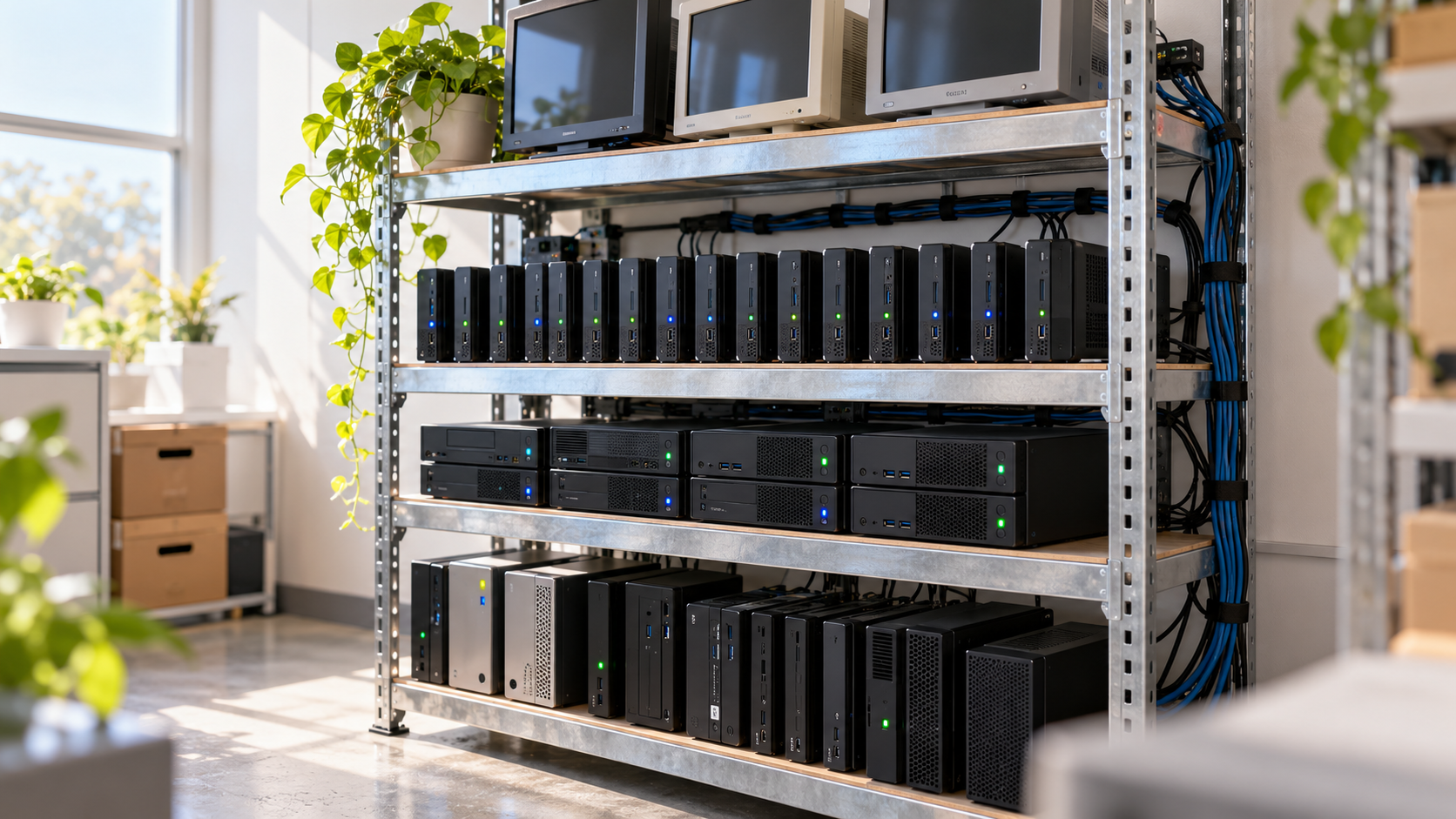
The agents I build are not chat assistants. Each one works like a colleague assigned to one team: it reviews pull requests, answers help-desk questions, works tickets and runs scheduled jobs. Last month I wrote about what has to be written down before an agent can take over a process.
They run on old computers that were retired after a hardware refresh. Per machine, the electricity costs about as much as a coffee a month. Comparable capacity on AWS costs $240 to $475 a month. The hardware is the cheap part. The real work is the layer that manages it. This is internal engineering tooling, not a customer-facing system, and it is not an argument for self-hosting language models, which I come back to at the end.
The numbers
Per machine, the gap is roughly two orders of magnitude.
| AWS option | Spec | Cost per machine per month | Old hardware is cheaper by |
|---|---|---|---|
| EC2 Mac M1, on-demand | 8 cores, 16 GB | ~$475 | ~180× |
| EC2 Mac M1, 3-year Savings Plan (best case, up to 44% off) | 8 cores, 16 GB | ~$266 | ~100× |
| EC2 c7g.2xlarge, on-demand, Graviton3 Linux, Frankfurt | 8 vCPU, 16 GB | ~$241 | ~90× |
The comparison is per machine, so it holds at any fleet size. For a fleet of 10 machines the AWS bill is roughly $2,400 to $4,750 a month, depending on the option above. For 20 machines it is roughly $4,800 to $9,500. The electricity side is ten coffees or twenty. It covers running costs only. The real one-off cost of an old machine is what you could have sold it for, and the engineering time is a separate cost that I come back to below. The specs are close, not identical: an M1 has four performance and four efficiency cores, against eight Graviton vCPUs. The Mac on-demand price comes from a third-party tracker dated 25 September 2026.
The obvious objection is that work that mostly waits does not need an eight-core instance. That is fair, and a smaller instance or a cheap VPS closes much of the gap. What it does not give me is a machine that is already paid for, already managed like any other company device, and dedicated to this work. Even if I assume about 30 W around the clock, which is far above what these machines draw, the ratio against the c7g instance stays above 25×.
The electricity side is an estimate, and here is how I got it. I assumed each machine is idle half the time and at 50% CPU the other half. Forum reports put an M1-class Mac at roughly 4 to 7 W idle, which is anecdotal. For 50% load I estimated about 12 W. That averages 8.5 W, or about 6.2 kWh a month. At the German household rate of 37 ct/kWh, which is not necessarily what a business pays, that is about the price of a coffee. I converted to dollars at roughly $1.15 per euro for the ratios.
One difference grows with scale. AWS bills a Mac host around the clock, with a 24-hour minimum, whether it works or sits idle. An old machine’s electricity follows its load.
Agents mostly wait
Agent platforms have a reputation for needing serious compute. Agents like these mostly do not, for two reasons.
First, the model is the exception, not the default. Incoming messages are pattern-matched first, which takes milliseconds and no tokens. Only when nothing matches does a single, capped model call classify the message.
Second, a running agent session spends most of its time waiting for a model API to answer. Waiting uses almost no CPU. The heavy compute happens at the model provider, and I pay for that wherever the agent runs.
So the machine that runs a session needs to be reliable and reachable. It does not need to be powerful. That describes a lot of equipment that sits unused after a refresh.
From old hardware to a managed fleet
Small computers, laptops, desktop PCs and mini PCs all qualify. The fleet runs on Apple Silicon, and nothing in the argument depends on that. Each machine brings dedicated silicon, so there are no noisy neighbours, no steal time and no burst credits. It has local disk, which is not billed per operation. Where it has a battery, that works as a built-in UPS and gives some redundancy against a power cut. And these are fully managed devices, provisioned and patched like any other company machine. They are not spare parts from a drawer.
A cupboard of machines is still not infrastructure. What I built is the orchestration layer on top. A broker and its connectors run in Kubernetes and hand each piece of work to a machine in the fleet. That part costs next to nothing, so I leave it out of the numbers above. The layer turns the machines into a managed fleet of distributed computers, a bit like Kubernetes for hardware that sits outside any cluster. Load balancing spreads sessions across the machines, and metrics and monitoring show how each one behaves. Capacity scales horizontally by adding machines. Doing that automatically is planned and not built yet.
Old hardware also does not behave like a server by default. Each machine is set up to stay awake, to run the agents under the operating system’s own service manager, and to be rebuilt from one install script that is safe to run again. After that I try not to touch it. A machine updates itself when idle, repairs itself when it drifts, picks up unfinished work after a restart and reports its health every few minutes. Every safeguard in that setup is there because something broke once.
What it costs you instead
I do not think the cloud is overpriced. Redundant power, hot-swap hardware and a support contract cost money, and AWS charges for them. I am choosing a lower guarantee. This is what that choice costs:
- Limited redundancy. A battery covers a short power cut. There are no redundant power supplies, no hot-swap parts and no support contract. The rest of the reliability has to come from the orchestration layer.
- Capacity is tied to a machine. Teams that share a machine share its capacity, and adding capacity means adding a machine.
- Endpoint hygiene is on you. These are general-purpose computers, and they only make sense while the vendor still ships security updates for them. Patching, isolation and data handling need the same care as on any production host.
- The engineering is the real cost. The electricity is cheap. The orchestration, monitoring and fleet management took time to build and take time to run. I have not put a number on that time here, and anyone copying the idea should budget for it.
Own the execution layer, rent the model
This is not an argument for self-hosting language models. Open-weight models keep getting better, but in my experience the infrastructure to run them at scale still costs more than paying a hosted model provider, because it implies the cost of hardware, electricity and the hourly rate of the employees who build and run it. The results are often worse too. The part worth owning is the execution layer around the model. If the orchestration is vendor agnostic, each agent can use a different provider, and you can swap any of them without touching the infrastructure.
The same thinking applies when the model bill gets too high. The tempting fix is a cheaper, lower-quality model. I would rather fix the architecture: the flow, and how clear the context is that each agent gets. A solution built that way keeps working as models improve. Because it does not depend on one vendor, moving to open models later, if they become the better deal, is cheap.
So my position is this. Rent the model from whoever is best this quarter. Own the layer that runs your agents, and build it from hardware you have already paid for, if you are willing to build and run the software that manages it.
If you are at GenAI Conference Berlin on 16 October, come and find me and tell me which part of your agent stack you would rather own than rent.